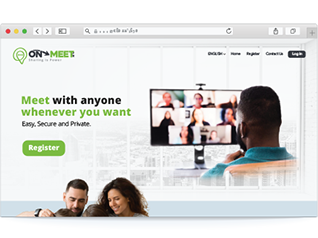
Create your On-Meet account from scratch
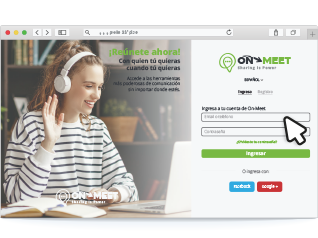
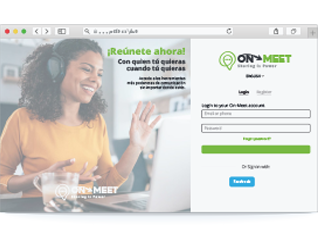
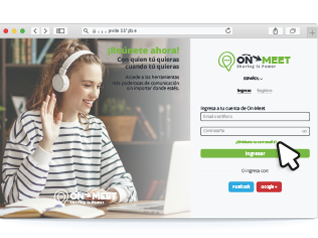
Login to your account and start communicating with whoever you want
Enter On-Meet using your social networks
Don't miss out on entering your account
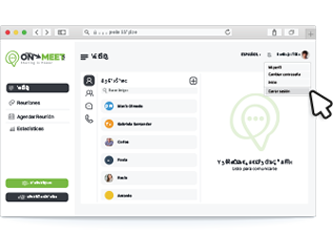
Close your session properly to protect your information
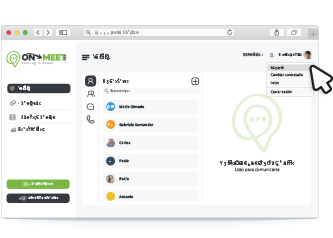
Access your profile information
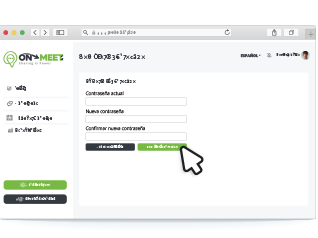
Safely change your password whenever you want
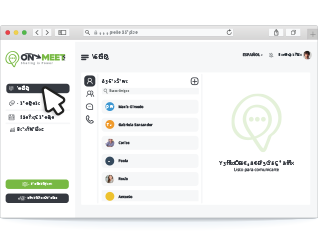
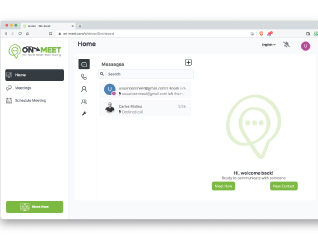
Go to start to access all functions
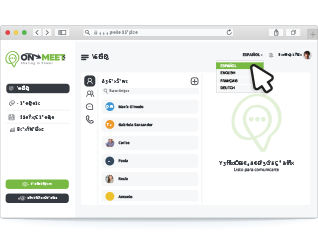
Change to your preferred language
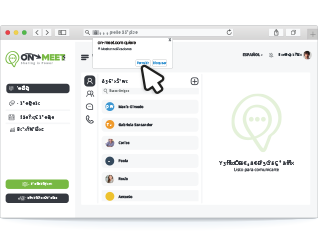
Show / hide notifications
How to use basic call options
Access and update your profile
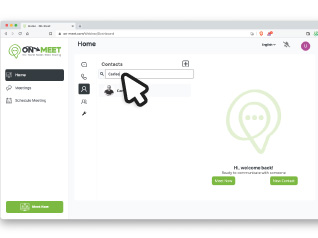
How contacts works
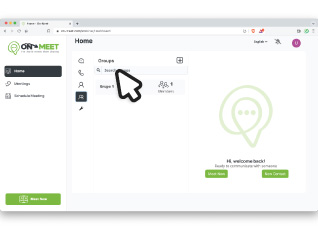
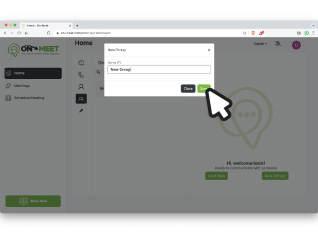
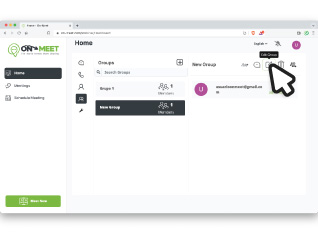
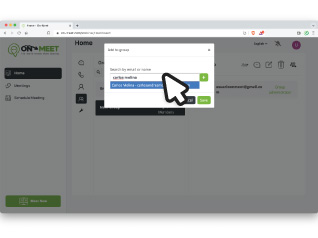
How groups works
Sort your contacts into groups
Learn more about using groups
Efficiently sort your contacts
Communicate with one of our advisors.
Your thoughts are what perfect us, please tell us how can we improve